Apple’s iPhone models continue to push performance boundaries, yet many users still struggle to get through a full day without recharging. One of the most common culprits behind rapid battery drain is a feature that runs silently in the background, constantly pulling data from the internet even when the device appears idle. That feature is called Background App Refresh.
Why background activity drains battery
Background App Refresh keeps apps updated with the latest information before they are opened. For example, a weather app may continuously retrieve the newest forecast, and social‑media apps may download fresh posts while the phone is not in use. While this ensures that content is instantly available, each refresh consumes battery power and processing resources. The more frequently apps request new data, the greater the cumulative drain on the device’s battery.
Disabling Background App Refresh globally
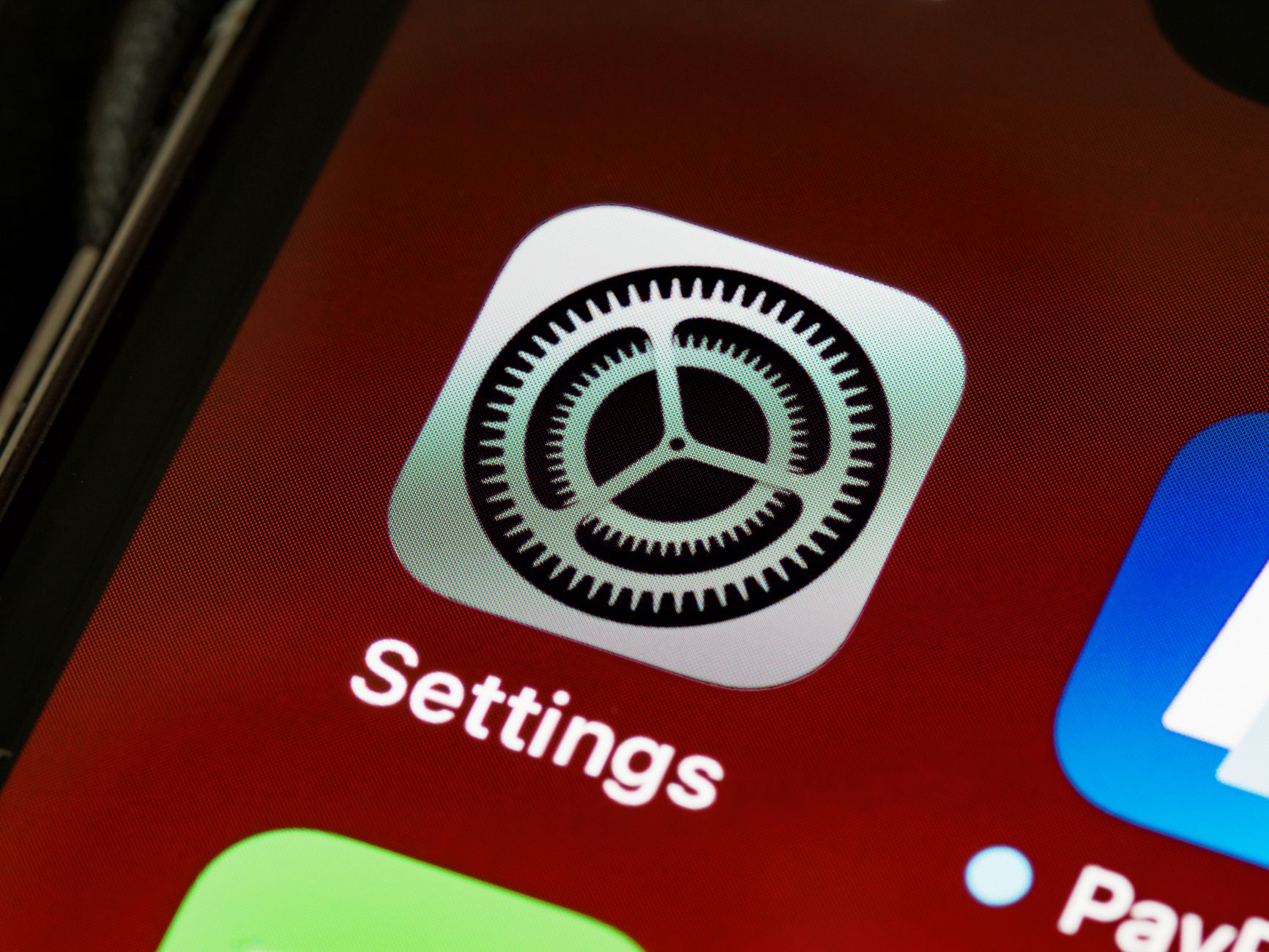
Turning the feature off is straightforward and can deliver the biggest daily battery boost. Open the Settings app, scroll to the General menu, and tap the option labeled Background App Refresh. At the top of the page, a master switch offers three choices: Off, Wi‑Fi, and Wi‑Fi & Cellular Data. Selecting “Off” disables background refreshing for all apps, halting unnecessary background tasks and preserving battery life. The “Wi‑Fi” option limits updates to Wi‑Fi connections, saving mobile data but still using power. The default setting, “Wi‑Fi & Cellular Data,” allows apps to refresh constantly regardless of connection type and is the setting most associated with extra power consumption.
Customizing per‑app refresh
iOS also allows granular control, letting users keep Background App Refresh active for specific apps while disabling it for others. On the same Background App Refresh page, a list of apps that request background access appears, each with its own toggle. Social‑media applications are frequently highlighted as major battery drainers because they constantly ping servers for new content. Turning off background access for these apps can significantly extend battery life. Conversely, keeping the feature enabled for navigation or location‑based apps may be beneficial for users who rely on timely updates and precise tracking.
Fine‑tuning the setting on an app‑by‑app basis helps strike a balance between functionality and endurance. By disabling the master switch, users achieve the greatest immediate improvement, while selective toggles allow essential apps to stay current without compromising overall battery performance. This simple adjustment offers a surprisingly effective way to get the most out of an iPhone’s battery throughout the day.

Norman Pearlstine is the Executive Editor and Co-Founder at News Raise. With over two decades of experience across financial journalism, corporate governance, and market analysis, Norman leads the editorial direction and ensures strict adherence to journalistic accuracy and ethics.