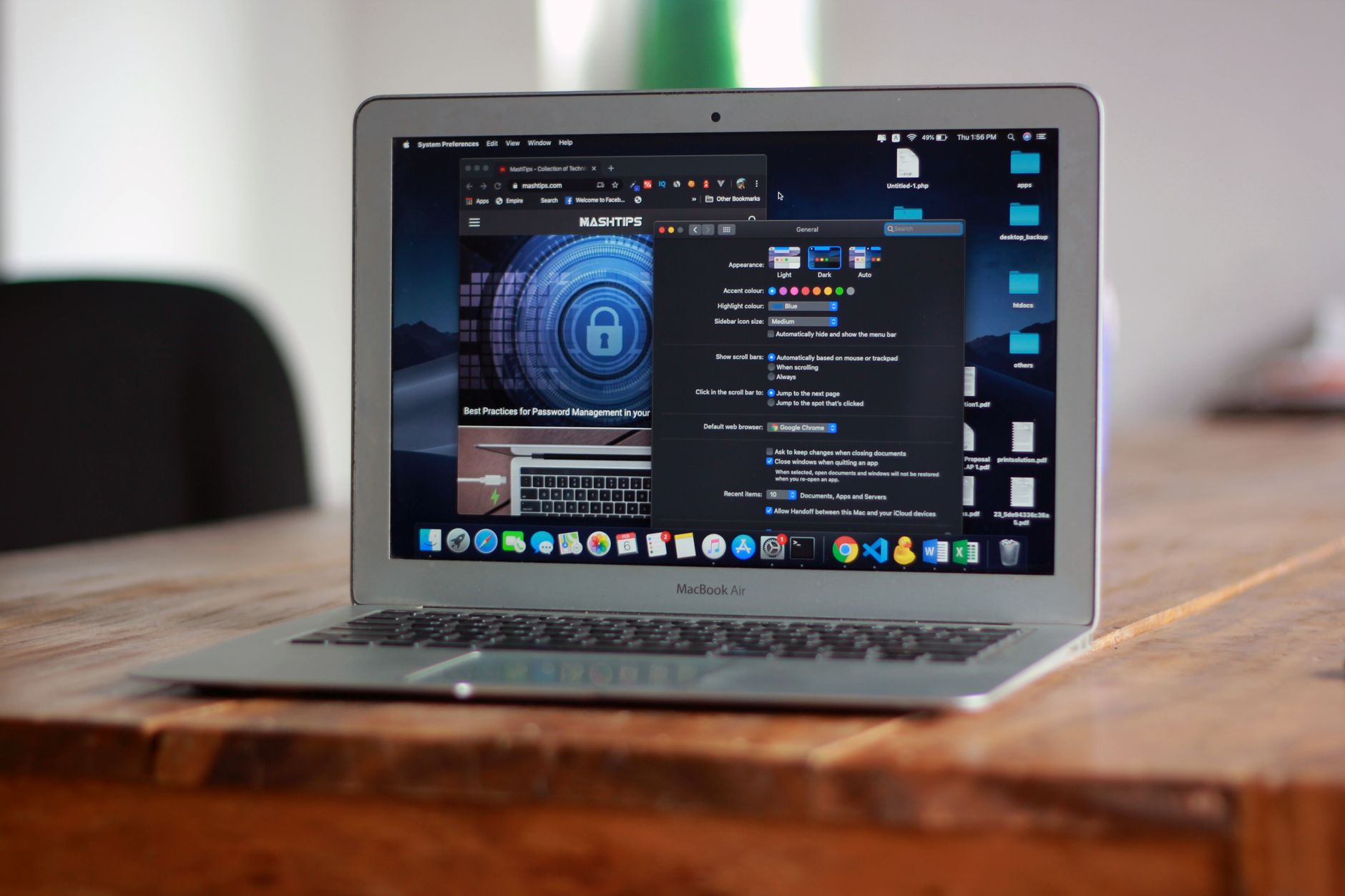
Apple unveiled a suite of macOS security adjustments on Monday, aimed at shielding users from the heightened privacy risks associated with AI agents that request full‑disk access. The changes, detailed in an Apple blog post directed at developers, emphasize that granting an app “extraordinary access” could endanger all data on a Mac.
Why the changes matter
AI agents differ from typical chatbots in that they execute on the user’s device and can perform actions across the operating system, manipulate files and interact with other applications on the user’s behalf. While such capabilities can be useful, Apple has signaled growing concern that they also expand the attack surface for data breaches and privacy violations.
The timing follows two high‑profile incidents involving AI agents. A journalist alleged that Meta’s Muse app accessed private messages without permission, and Wired reported a vulnerability in the ChatGPT Mac app that could have allowed hackers to retrieve sensitive information. Both cases underscored the potential for AI‑driven software to overreach its intended permissions.
Apple’s own hardware sales have benefited from AI enthusiasts purchasing Mac minis and Mac Studio units to run local models, creating a tension between encouraging AI development and protecting user data.
Key elements of the new controls
Starting with the upcoming macOS 27.3 release, Apple is restructuring its permission framework. The former combined “Device Control and Data Access” setting is being split into two distinct options: “System & App Protection Override” and “Accessibility.” Selecting the override option will now explicitly indicate that built‑in security protections are being bypassed.
To simplify the approval process, Apple will introduce a single permission‑granting method that presents users with a list of apps requesting access. New guidance will advise users to grant permissions only to the specific applications that truly require them, both when enabling the System & App Protection Override and when allowing Full Disk Access.
Apple also promises “increased visibility” into the breadth of data an app could obtain if full permissions are granted, helping users make more informed decisions. A further refinement lets users configure apps to request permission each time access is needed, offering a more granular, though potentially tedious, control mechanism.
When an app controls another app via the System & App Protection Override, a new transparency indicator will appear, providing a visual cue that such cross‑application control is occurring.
Impact on developers and users
The updates do not block the installation or execution of AI agents or other high‑access applications. Instead, they supply users with nuanced options, clearer information, and tighter control over the permissions they grant.
Apple urges developers to revise onboarding flows to reflect the new settings and to design apps that “gracefully handle having access to only a limited set of folders or apps.” For applications that legitimately need Full Disk Access—such as backup utilities or assistive‑technology tools—developers can request exceptions, referred to as “entitlements,” to maintain existing functionality under the new regime.
By providing both users and developers with clearer pathways for permission management, Apple aims to balance the growing demand for powerful local AI capabilities with the imperative to safeguard personal data on macOS devices.

Norman Pearlstine is the Executive Editor and Co-Founder at News Raise. With over two decades of experience across financial journalism, corporate governance, and market analysis, Norman leads the editorial direction and ensures strict adherence to journalistic accuracy and ethics.