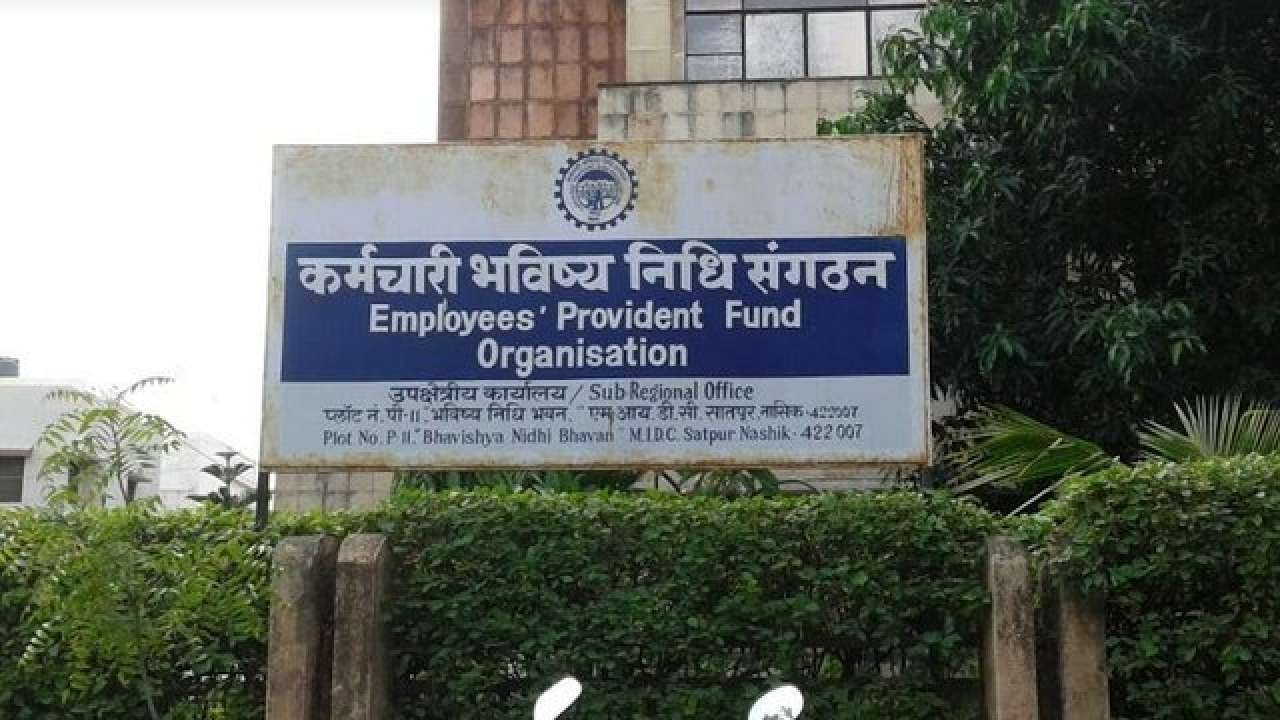
The Employees Provident Fund Organization (EPFO) has presented a new method in its online framework, under which, you can likewise enter the data of leaving the work from your organization (Date of Exit) in the EPFO portal. The waiting period, however, is about 2 months, which you have to wait after you leave your job.
The Government under The Employees’ Provident Fund (EPF) plan rules permits you to withdraw cash from your EPF account for various purposes. You can pull out cash from your EPF account upon retirement in the wake of attaining the age of 55 years. If you want to withdraw the amount from your EPF account before that and before retirement, you can also do that.
From now onwards, your PF account needs to be changed after you switch or leave a job, which has been made a mandatory process. In this process, the transfer of funds used to get delayed, and now it is expected that such disturbances shall be avoided. Under the new facility updated by the EPFO, you can update your information about leaving your job in the portal unlike, earlier it could be only done by the employer.
Earlier, any issue caused by your employer on updating your PF or while updating your exit from a job used to lock all funds transfer and now it is believed to have been made easier, as you yourself can update the information avoiding all such problems.
Below are the steps on how you can update your details on the EPFO portal:
- The first step is to visit https://unifiedportal-mem.epfindia.gov.in/memberinterface/ from any browser. You must log in with your active UAN. UAN must be activated to avail of the next steps.
- After you log in, wait for the page to load, and once loaded, click on the ‘Manage’ tab in the above section. After this, click on the mark exit option. Then the ‘Select Employment’ option will open which you have to access.
- The next step would be to select your previous PF account number, which must be linked to your UAN. Then you must verify by checking all the details related to your account and once done you can proceed to enter the date and reason for your leaving the job.
- Once you pick your choice for the reason, you have to click on the ‘Request OTP’ after which, you will get an OTP in your registered mobile number, which is linked to your Aadhar Card. After the OTP is verified, your details will be updated on the EPFO online portal and then you can avail of all the transactional benefits.






Be First to Comment