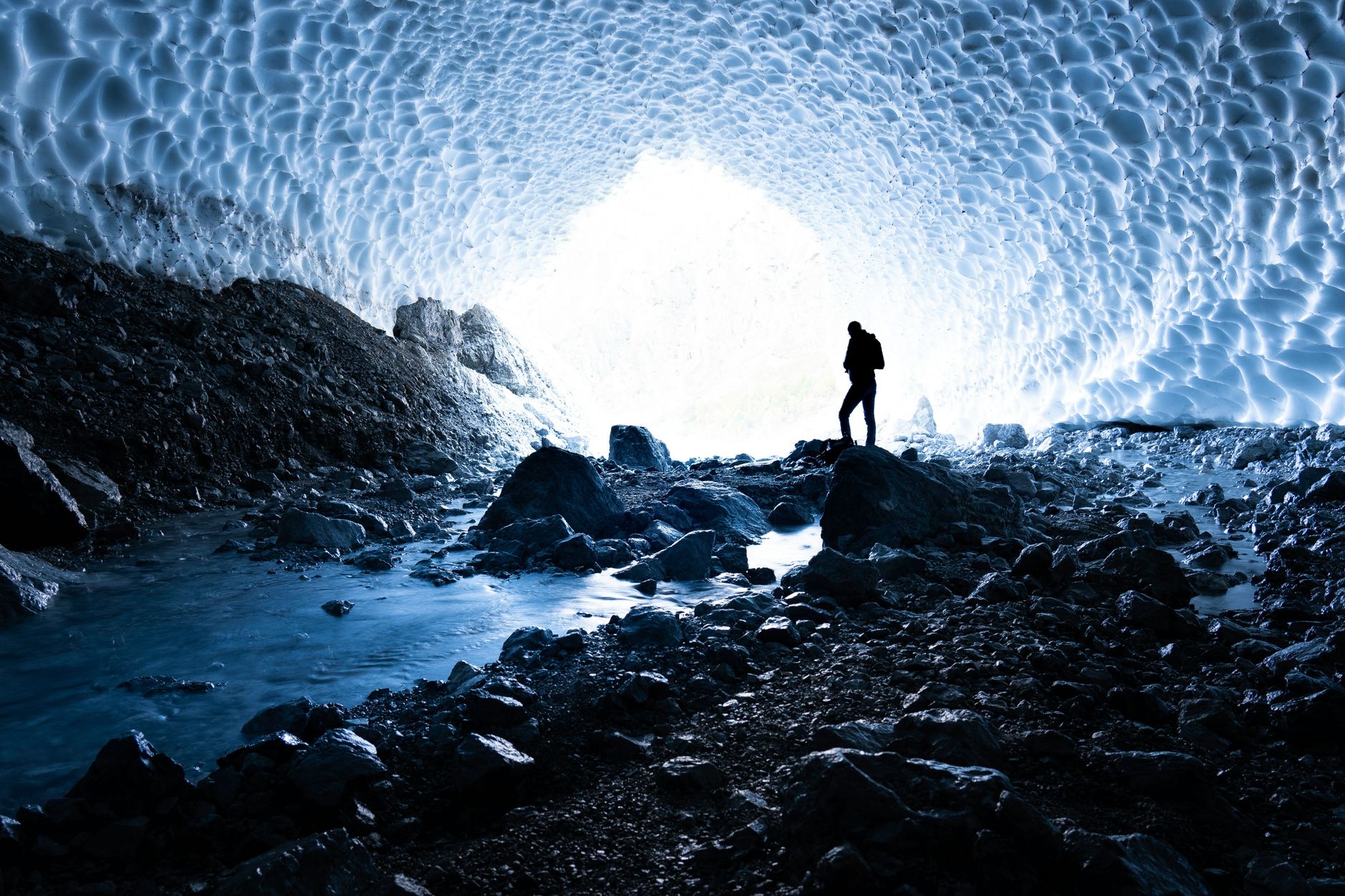
Mojang has rolled out Minecraft 26.4 Snapshot 4, giving players early access to a suite of cold‑themed content first hinted at during Minecraft Live. The most prominent addition is the Ice Caves biome, an underground environment populated by packed ice, icicles and glowing Ice Crystals. Alongside the new biome, a chilling zombie variant called Frostbite has been introduced, capable of freezing players with its attacks. The snapshot also refreshes the Friends system with a redesigned list, new search and sorting tools, and an updated Other Players menu.
Ice Caves biome and related blocks
The Ice Caves biome generates beneath colder Overworld biomes. Its primary building materials are Packed Ice and Calcite, while icicles hang from ceilings and large packed‑ice formations appear both on the ground and overhead. Patches of snow may sporadically cover the floor, and standard ores generate within pockets of Stone and Deepslate. In addition to the usual cave mobs, Strays and the new Frostbite zombies can spawn here, and Ice Crystals sometimes appear on the ground.
Ice Crystals are a crystal‑like block similar in appearance to Amethyst Clusters. They emit light, can be placed facing any direction, and will break if the block supporting them is removed. Icicles belong to the same family as Dripstone and Sulfur Spikes; they grow naturally up to five blocks long when pointing downward, but only in dark areas without nearby light sources and never in the Nether.
Frostbite mob, Ice Balls and the Freezing effect
The Frostbite is a new zombie variant that spawns in cold and icy biomes. It can switch between melee and ranged combat: when close to a target it attacks directly, applying the Freezing mob effect, while at a distance it throws Ice Balls. Ice Balls are a new projectile that deal up to four damage on impact, apply knockback, and break on contact with blocks or entities, producing a particle effect and sound.
Frostbites are immune to the Freezing effect and to Powder Snow, meaning they are not slowed by either. They can stand on Powder Snow without being affected. Interestingly, regular Zombies and Husks will transform into Frostbites if they stand inside Powder Snow. When a Frostbite dies, it drops Rotten Flesh and Ice Balls. If left underwater for a sufficient time, a Frostbite will revert to a regular Zombie.
The Freezing mob effect causes affected players to shake, gradually take damage, and experience a visual freeze similar to standing in Powder Snow. Leather armor provides the same protection against freezing as it does against Powder Snow, though it does not prevent the effect from being applied or remove it once active. Mobs that are vulnerable to Freezing receive a five‑times damage multiplier while under the effect. The effect can be delivered via Lingering Potions, Splash Potions, a new Potion of Freezing brewed with Ice Balls, or Arrows of Freezing crafted by surrounding a Lingering Potion of Freezing with eight arrows.
Friends system overhaul and other UI changes
Snapshot 4 brings a comprehensive redesign to the Friends interface. The Friends list now features a new layout, and the profile name text box doubles as a search field. Once a player has fifteen or more pending friend requests, a separate search box appears in the requests tab. A new sort button cycles between sorting by online status and alphabetical order. Clicking a player’s icon opens a Player Options menu, and the previous “Remove Friend” button has been removed, with removal now handled through Player Options.
The Social Interactions screen has been replaced by an Other Players screen, and the associated keybind has been renamed accordingly. The Friends button now displays a new icon, and the Visibility option has moved from Online Options into the Friends list. Icon buttons in the pause menu have been reordered to match the main menu layout.
Minor block tweaks, technical updates and bug fixes
Several small adjustments accompany the major features. Snow can now be placed on Packed Ice, and snowballs apply knockback to players. The Lightmap visualization option is now configurable via the debug settings and can be displayed alongside FPS and network charts. The debug overlay adds a new chunk_section_status indicator and separates the chunk load overlay into its own chunk_load_status entry.
Technical changes include updating the Data Pack version to 123.0 and the Resource Pack version to 100.0. World generation receives numerous tweaks, such as a reworked speleothem_cluster feature, renamed large_dripstone feature, new ore placements for Ice Caves, new block sound sets, and additional block, item, biome and pathfinding tags. New textures and sounds support the Ice Caves environment, Icicles, Ice Crystals, the Frostbite mob and the Freezing effect.
Bug fixes from Snapshot 3 address a range of issues, from missing dye‑staining sounds on wolves and cats (MC-212616) to framerate drops with the Vulkan backend (MC-307830). Other fixes correct UI inconsistencies in the friends menu, chat restriction screens, and various tooltip and button text problems.
How to try the snapshot
Snapshots are available for Minecraft: Java Edition. Players can enable them by opening the Minecraft Launcher, navigating to the Installations tab and toggling the snapshots option. Once enabled, the 26.4 Snapshot 4 can be selected and launched like any other version, allowing players to explore Ice Caves, encounter Frostbites and test the new Friends interface before the features reach the next full release.






Be First to Comment