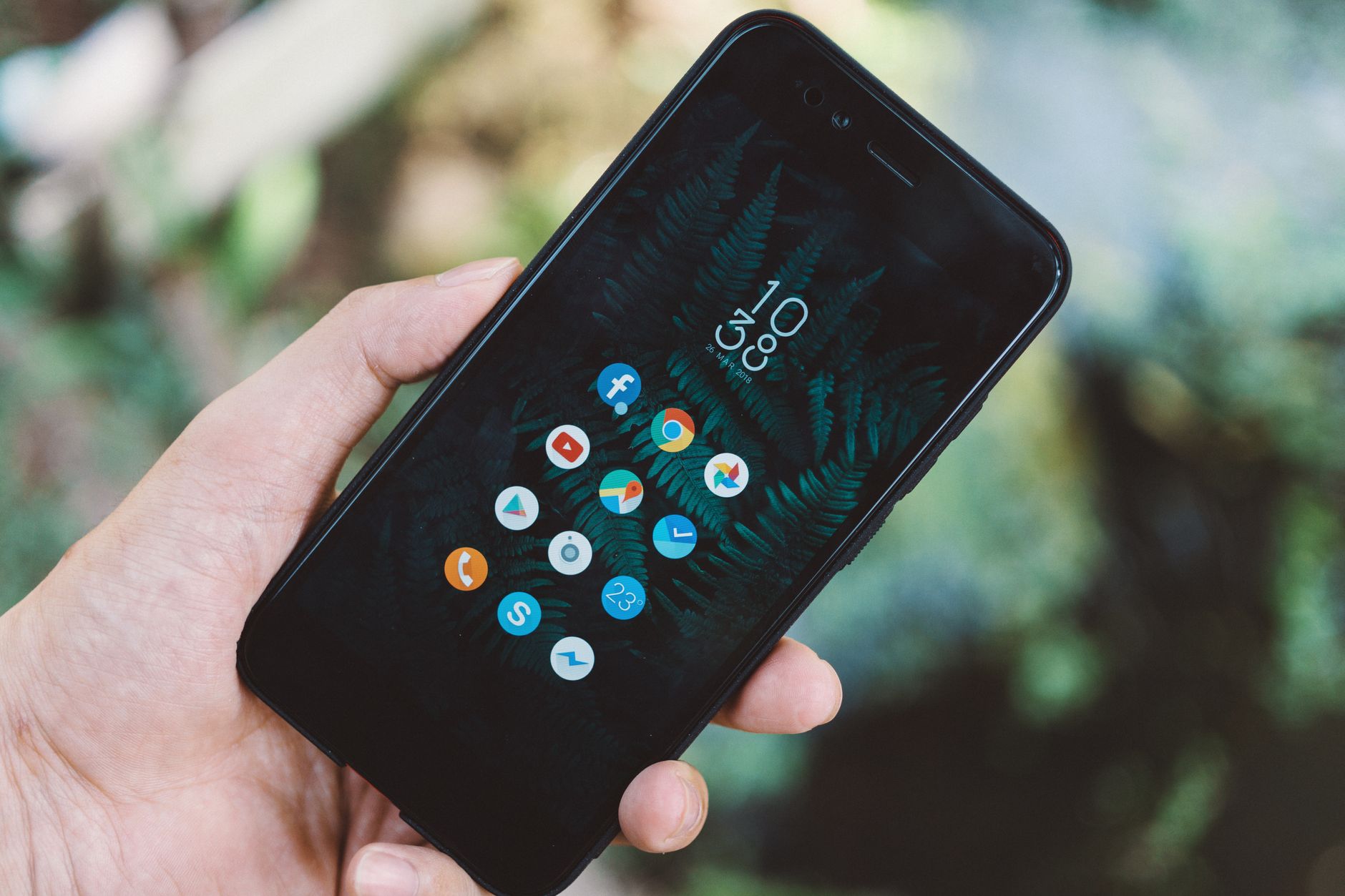
Samsung has begun rolling out the first beta of One UI 9.5 to the Galaxy S26 in selected markets. The update adds a suite of new capabilities aimed at security, sharing, visual customization, storage management and digital wellbeing.
Security and privacy enhancements
The most prominent addition is native app locking. Users can long‑press an app icon, select a padlock icon, and instantly secure the app. The action also removes any home‑screen widgets linked to the app and hides its notifications. For multiple apps, the Settings → Security and privacy → More privacy settings → App lock menu allows batch selection. Unlocking relies on fingerprint, facial recognition or the lock‑screen PIN, and One UI 9.5 supports simultaneous fingerprint and face authentication, often unlocking the app before the user touches the sensor.
Privacy Display, highlighted on the Galaxy S26 Ultra, now activates automatically when users open locked content such as Secure Folder, private albums in Gallery or locked notes in Samsung Notes. This removes the need for manual toggling and ensures the screen stays hidden only when sensitive material is displayed.
Sharing and visual updates
Quick Share receives a “Tap to Share” shortcut. When two compatible devices have NFC enabled, are unlocked, and are tapped back‑to‑back, users can instantly share contacts, links, photos, videos or location data. The feature is enabled via Settings → Connected devices → Quick Share → Tap to share.
Lock‑screen aesthetics are also refreshed. A new live‑depth effect, similar to the iPhone’s Spatial Scene, adds a subtle 3D tilt to wallpapers. Users access it through the lock‑screen edit menu by selecting Live effect, after which the image responds to device movement.
Storage management and digital wellbeing
The My Files app now offers storage cleanup suggestions. Within Manage storage, a “Free up space” option lists removable items such as pre‑edit backups, temporary trash data, recycle‑bin contents and app caches. Users can select items via checkboxes and delete them, streamlining storage on devices that lack expandable memory.
For users seeking to curb impulsive usage, One UI 9.5 introduces a “Pause before app launch” timer. Accessible through Settings → Digital wellbeing → App timers, the feature lets users add a 10‑second delay to chosen apps or categories. The brief interruption can help reduce doom‑scrolling and encourage reconsideration before opening a distracting app.
Overall, early impressions suggest the beta delivers a noticeably richer experience on the Galaxy S26. Samsung has not announced a firm date for the stable release, but the company indicated the final version is likely to launch alongside the Galaxy S27 series next year.

Helene Elliott is the Lead Science & Space Reporter at News Raise. She reports on aerospace missions, astrophysics discoveries, quantum research, and environmental technology.