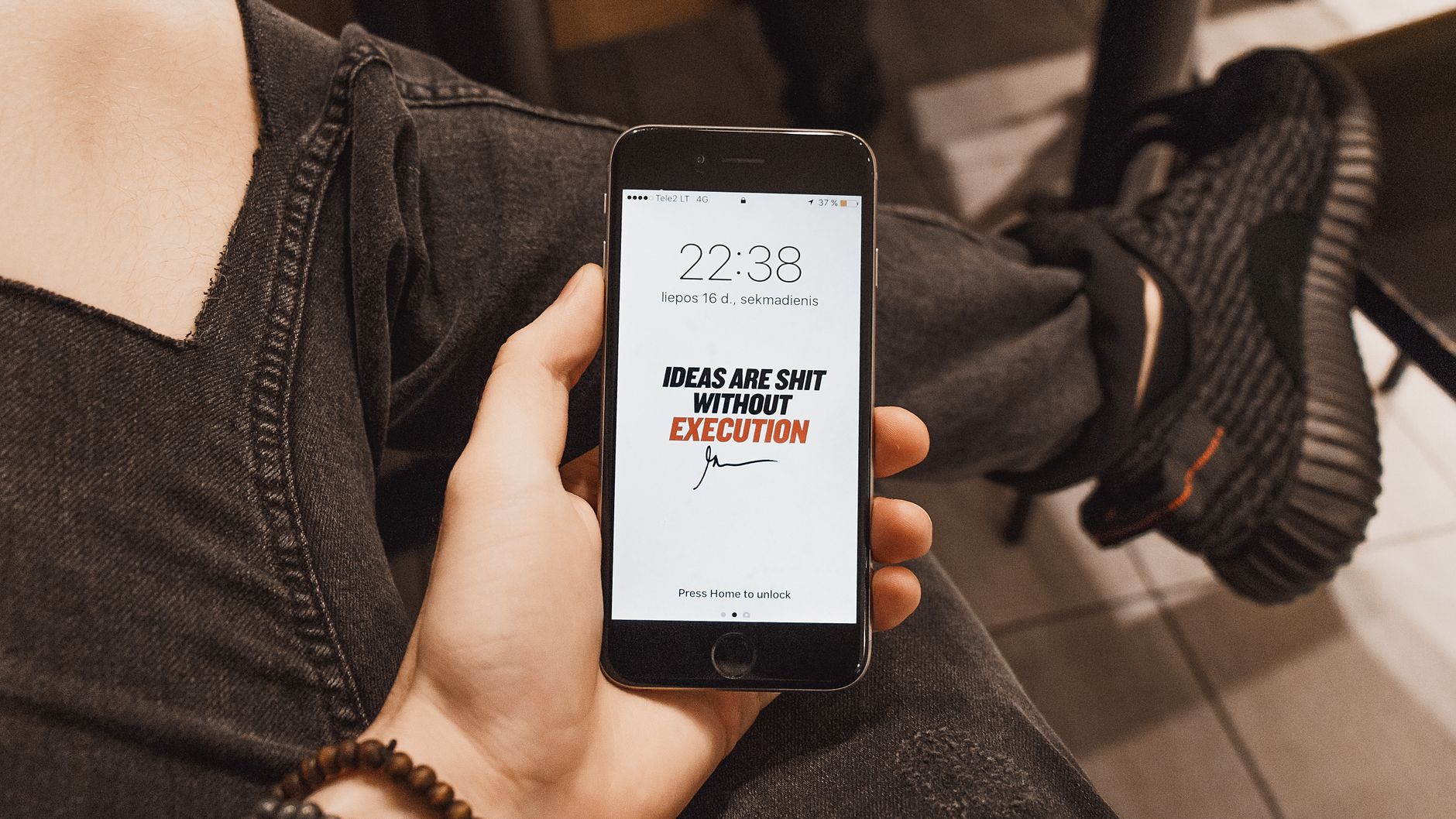
Apple’s latest operating system, iOS 27, builds on a series of lock‑screen upgrades that began with iOS 18 and continued through the Liquid Glass redesign of iOS 26. The new release, paired with an upgraded Siri AI, adds a suite of tools that let users reshape the lock screen’s appearance and behavior more extensively than ever before.
AI‑assisted wallpaper extension and generation
One of the headline features in iOS 27 is the ability to extend a chosen image to fill the lock‑screen background. Users can long‑press the lock screen, select the customization menu, and zoom out of a landscape‑oriented photo. When the image is pulled beyond its native dimensions, an on‑device artificial‑intelligence engine generates additional visual content to complete the frame, preserving the original vibe while avoiding unwanted cropping of subjects such as faces or pets.
Beyond extending existing photos, the update also offers a dedicated “Image Playground” for creating brand‑new wallpapers. By tapping the plus icon during lock‑screen editing, users can choose a style, describe a desired scene or provide a Memoji, and let the AI render a unique background. The feature works entirely on the device, keeping personal data private.
Clock size, widget placement and minimal‑design options
While previous iOS versions gradually enlarged the lock‑screen clock, iOS 27 introduces the opposite capability. While editing, tapping the clock reveals a control that shrinks the time display into the date area, delivering a cleaner, minimal aesthetic. The change is applied by selecting an icon resembling two rectangles in the upper‑right font menu.
Users with iPhones that include the Action Button and Camera Control can also rearrange or replace default shortcuts. The traditional Flashlight and Camera widgets can be swapped for third‑party or Apple‑provided shortcuts that better match individual workflows. This flexibility allows each lock screen to reflect personal priorities, whether that means quick access to a music player, a note‑taking app, or any other function.
Another minimalist tweak lets users hide the “Now Playing” card. The audio continues in the background, but the visual card no longer occupies screen space, supporting a clutter‑free look.
Focus mode integration and dynamic activity support
Focus modes, first introduced in iOS 15, receive deeper integration in iOS 27. Users can assign distinct lock‑screen wallpapers, widget sets, and color filters to specific Focus profiles—such as work, travel, or exercise. These profiles can be triggered automatically based on location, time of day, or activity detection by Apple Intelligence, for example when a user boards a bus or launches a game.
The system also supports up to three Live Activities within the Dynamic Island, a feature that has been present since iOS 26. Combined with the new lock‑screen widgets, this enables real‑time updates—like sports scores or delivery tracking—to appear without unlocking the device.
Overall, the iOS 27 enhancements reflect Apple’s ongoing effort to give iPhone owners granular control over the first thing they see when they pick up their phone. From AI‑generated backgrounds to a shrinkable clock and context‑aware Focus themes, the update turns the lock screen into a personalized hub rather than a static placeholder.

Mitchell Landsberg is a Senior Technology Correspondent at News Raise. He covers consumer electronics, artificial intelligence, software developments, and digital privacy trends.