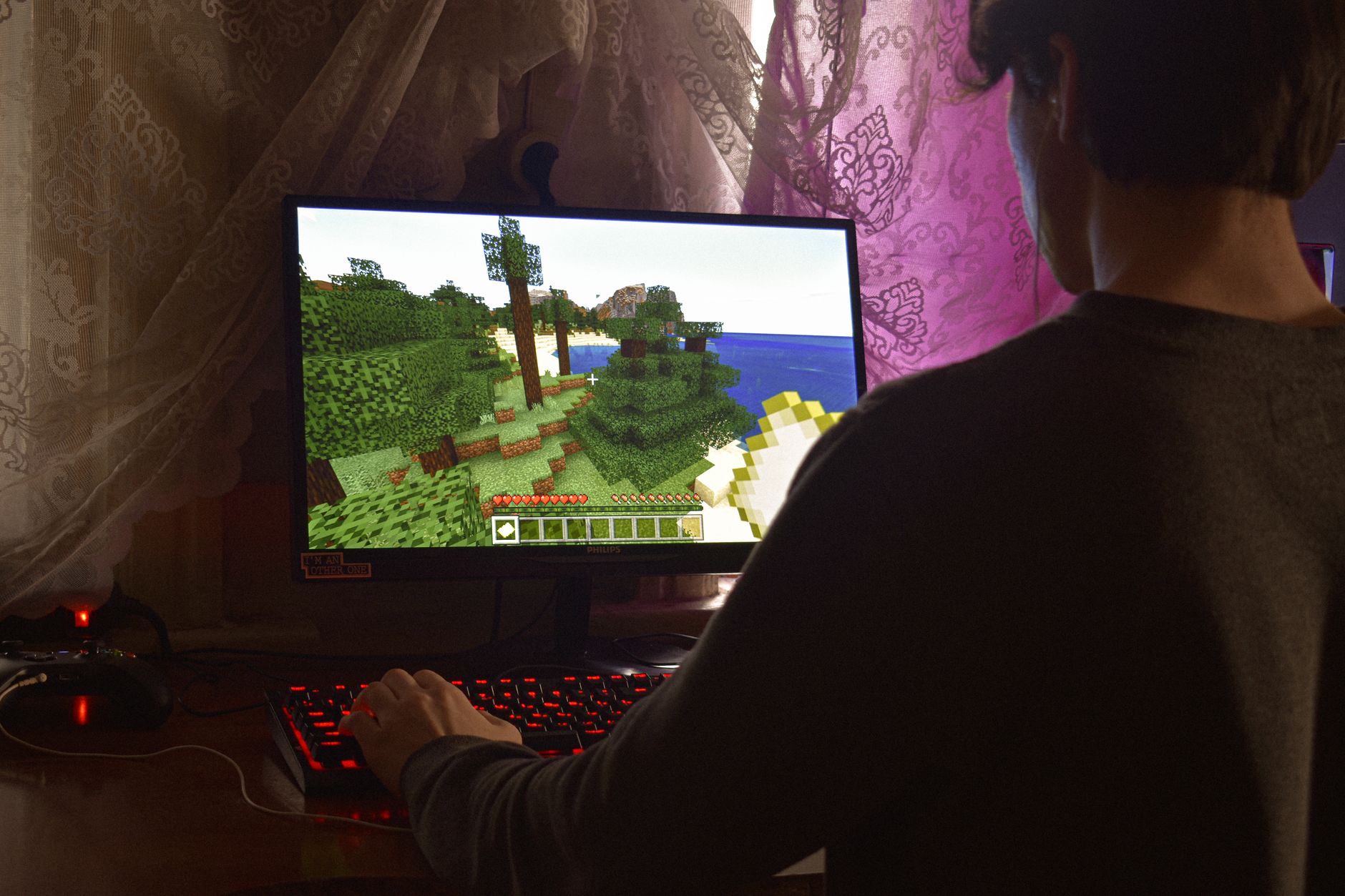
The Minecraft Bedrock edition has moved into the fourth drop of its 2026 update cycle with build 26.70.24, delivering a blend of gameplay tweaks, inventory adjustments and fresh creator utilities. Among the headline changes is a brand‑new Invisible Armor world option, and Nintendo’s Switch 2 now supports a Joy‑Con mouse mode. Because the build is still a preview, users should anticipate occasional instability and recognize that some elements may evolve before the final launch.
Downloading the preview on PC and consoles
For Windows 10 or 11 users, the process begins by launching the official Minecraft Launcher. Within the left‑hand menu, select the Bedrock edition, then click the drop‑down next to the Play button and choose the “Latest Preview” entry. The launcher will automatically retrieve build 26.70.24. Once the download finishes, you can also locate the preview through the Xbox Game Store or your Game Pass library by searching for “Minecraft Preview” and hitting the Install button.
Console players on Xbox, PlayStation 4 or PlayStation 5 follow a similar route. After the preview appears in the store, select it to begin installation. On the PlayStation platform, the option is labelled “Get PlayStation 4/5 Preview” and can be accessed from the home screen or the games library. The same build is available for iOS users via Apple’s TestFlight program; interested participants must sign up through the official Minecraft TestFlight link, receive a confirmation email and then download the preview through the TestFlight app. Because TestFlight slots can fill quickly, users may need to wait for an opening.
Getting the Android beta and iOS preview
Android owners receive the beta through the Google Play Store. After opening the store and searching for Minecraft, scroll down to the “Beta Program” section, tap “Join” and confirm enrollment. When the beta becomes available, the Play Store will prompt an update, delivering the 26.70.24 code.
iOS users, as noted earlier, obtain the preview via TestFlight rather than the standard App Store. After registering, they will be emailed a direct download link. The preview is distributed exclusively through TestFlight, and availability is subject to capacity limits.
Key gameplay and creator updates in 26.70.24
The most visible addition is the Invisible Armor world setting. Players can activate it either when creating a new world—through the Advanced tab—or by editing an existing world’s settings. Once enabled, an eye‑shaped button appears in the inventory, allowing players to toggle the visibility of their equipped armor. When hidden, armor becomes visible for a brief five‑second window after the player takes damage. Certain items such as Elytra, mob heads and carved pumpkins remain visible at all times. A new game rule command, invisibleArmor, also lets server operators control the feature via commands.
Several inventory and block behavior tweaks accompany the update. Boats no longer cause Brittle Ice to crack when a player sits in them. The Creative inventory now groups Calcite and Packed Ice Bricks together, and these blocks, along with Snow Bricks, yield fewer items when destroyed by explosions that are not TNT‑based. Players can place blocks directly against cauldrons without needing to crouch, and the Chiseled Soulshale block can be summoned using commands.
Combat and mob interactions have been refined. All undead creatures—zombies, skeletons and their variants—are now immune to the freezing effect of Powder Snow and cannot be frozen by the status effect. Ice Balls thrown by players no longer trigger critical hit calculations, and tridents held by zombie‑type mobs now display correctly.
Platform‑specific enhancements include Joy‑Con Mouse Mode for the Nintendo Switch 2, complete with its own configuration page. Android devices equipped with Mali Ultra GPUs gain access to the Vibrant Visuals option, extending the visual upgrade to a broader hardware base.
For creators, the in‑game Editor receives Guide Planes and world annotation tools, offering more precise layout assistance. Several scripting APIs have progressed from beta status to version 2.12.0, introducing new recipe‑crafting events and other programmable interactions.
Overall, build 26.70.24 offers a modest yet meaningful set of changes that expand both player experience and creator flexibility. While the preview remains a work‑in‑progress, the outlined steps provide a clear path for enthusiasts across Windows, consoles, Android and iOS to test the latest features before the official release.






Be First to Comment