Off late, there have been so many concerns raised in the country. Few because of the ongoing pandemic and few because of the technology. Though technology has been a boon, it comes with the cost of privacy. Several firms are reporting the data leak and it is causing tension in the minds of people. One of the primary issues, privacy, must be addressed by the Union Government. The application owned by Facebook, Whatsapp is all set to update their privacy policy in the next few days.
On the other hand, online frauds are also going on. Coronavirus and the pandemic have had many advantages and disadvantages at the same time to many people. Advantages to a few were that they got to spend their time with the loved ones which else would not have happened if not pandemic and listing on disadvantages part goes to quite a many like many lost their loved ones because of the virus, many lost their jobs, many had no food to feed their kids, etc.
One such disadvantage is the increasing number of online frauds taking place. These frauds are taking place through new applications, websites, and so on. There are few payment platforms as well where it gets vanished after the payment is done. One can also argue that privacy is a myth during the technology age.
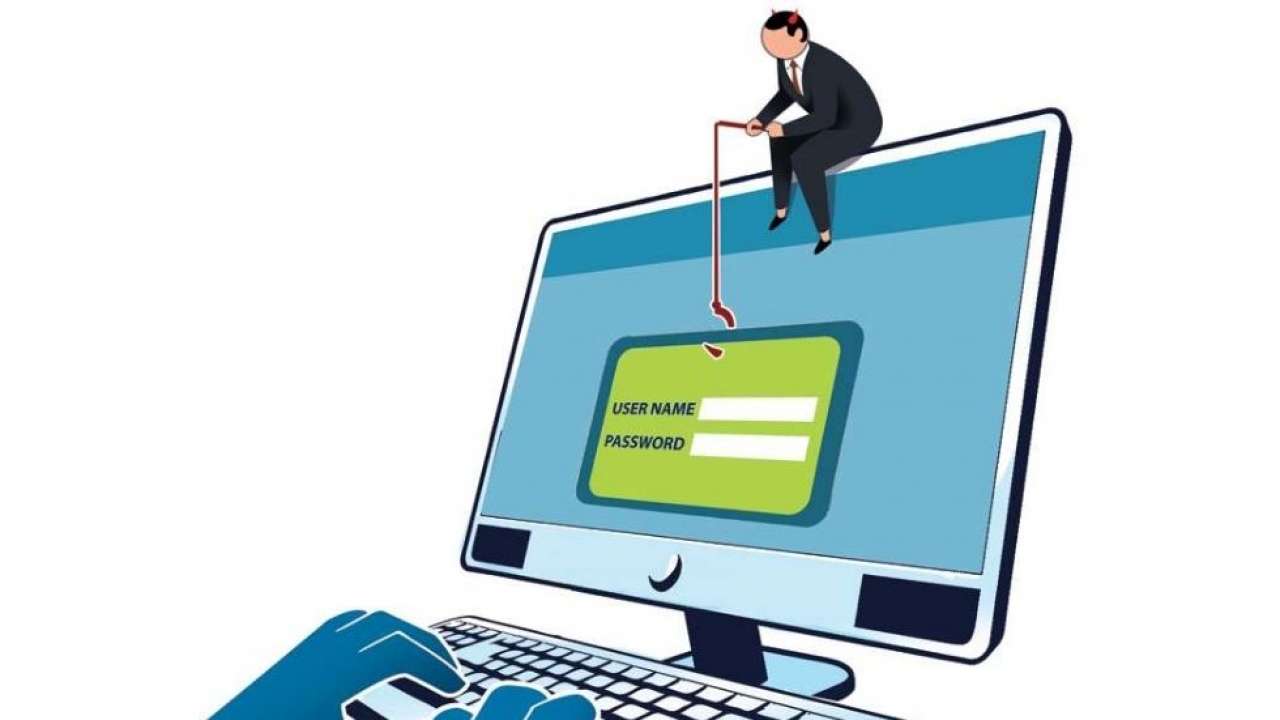
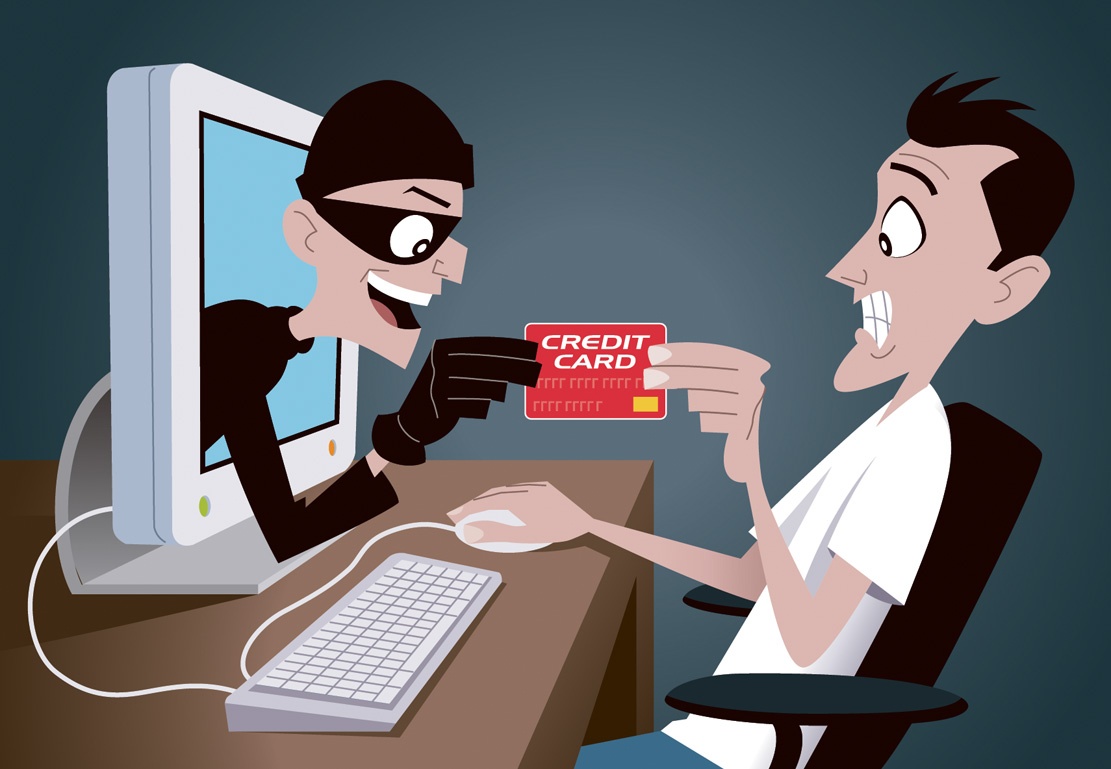
Hackers and cyber scammers are taking advantage of the coronavirus disease (COVID-19) pandemic by sending fraudulent email and WhatsApp messages and also through some smartphone apps that attempt to trick people into clicking on malicious links or opening attachments or by getting a few app permissions to the fraudsters.
In this article, we will get to see how fraudsters use our smartphone apps to cheat us. You might have come across a few apps asking for permissions that are not even needed for that particular app like an app used for clicking pictures and taking videos asking for your location or your mic permissions. Do not ever accept such apps permissions as one fine day this will put you in a very bad situation by accessing your bank account details and other such crucial information.
How to avoid such frauds from taking place is the main question. So here is the answer: remember when you download any new app, read carefully about privacy and permissions before accepting them because fraudsters can even see through your phone’s text messages where you receive OTPs for bank transactions which can be dangerous for you. But you need to also check about the app permissions for already installed apps.
How to check app privacy settings and permissions on your phone:
1. Firstly, one has to click on the application called Settings on their mobile.
2. Further, go to APP and app-related settings, then click on Permission.
3. After the second step, you get to see the list of the apps installed on your phone. Click on any app you wanted to check out with and you can see the option Permission next to the apps. See what permissions you have been given access to.
4. If the app in your phone is accessing those permissions which are unnecessary to that particular app, then click on that permission and cancel it. So in this way you can deny access to unwanted permissions.
If in case, at any point in time you feel that you are about to face any frauds, make sure you inform your financial institutions about supposed account suspension and closings. Keep up with privacy settings on all social media accounts. Refrain from using social media sites on public WiFi networks and remember to change your passwords regularly.





Be First to Comment