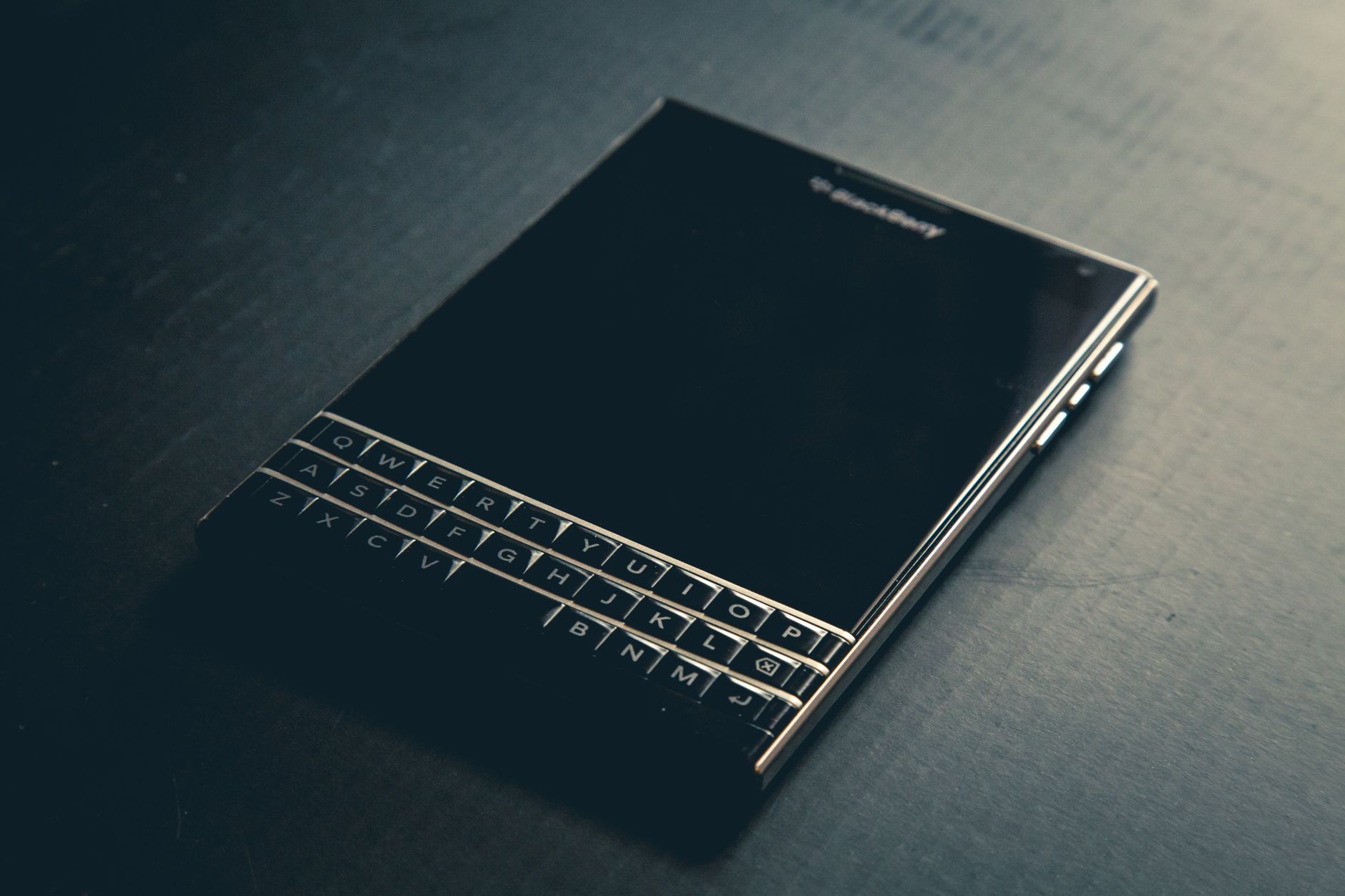
Clicks Technology, a startup focused on reviving physical keyboards for mobile devices, began shipping its Power Keyboard this summer after a brief delay. Priced at $99 and compatible with MagSafe and Qi2 charging standards, the slide‑out accessory is marketed as a universal solution that can attach to a wide range of smartphones, giving users a typing experience reminiscent of classic BlackBerry devices. As of the most recent update, 75 % of the pre‑ordered units from the first production run have been delivered to customers.
Design, Build and Compatibility
The Power Keyboard is a compact, slide‑out unit that measures 119.7 × 76.6 × 15.2 mm and weighs 180 grams. Its dimensions place it between a typical snap‑on battery pack and a full‑size case, and the company describes the packaging as premium, complete with peel‑away cling film and a full‑color Quick Start guide. The keyboard attaches to a phone either magnetically via MagSafe or Qi2, or alternatively with an adhesive ring or a magnetic‑enabled phone case for devices that lack native support.
Clicks says the accessory works with a broad spectrum of phones, citing models such as the iPhone Air, iPhone 17 Pro, iPhone 17 Pro Max, iPhone 16 Pro, Google Pixel 9, Galaxy Fold and other Android handsets. The slide‑out mechanism can accommodate both portrait and landscape orientations, and the device automatically adjusts to different phone widths, including larger “Ultra” or “Pro Max” models. During testing, the reviewer paired the keyboard with an Android phone without issue, but experienced a pairing obstacle with an iPhone until following the manual’s instruction to press a number key together with the power button to add a second Bluetooth device.
Connectivity, Power and Customisation
Unlike Clicks’ earlier keyboard case, which drew power directly from a phone’s USB‑C port, the Power Keyboard houses its own 2,150 mAh lithium‑ion battery. The built‑in battery not only powers the keyboard itself but can also deliver wireless charging to MagSafe‑ or Qi2‑compatible devices. Users may allocate a portion of the battery for wireless charging or disable the feature entirely through the Clicks companion app.
The accessory connects to phones via Bluetooth. To initiate pairing, the user holds the power button and slides the keyboard out. Adding a second device requires pressing a numeric key while holding the power button, and removing a device from the keyboard’s memory must be done through the Clicks mobile app, as the “forget” function is not available via standard Bluetooth settings.
Key‑board features include an adjustable LED backlight for low‑light typing, tactile clicky keys, and a configurable layout. Through the companion app, users can assign the dedicated “Clicks” key as a Tab function, enable a “Cursor Mode” that maps certain letters to directional controls, and customise the Return key to act as a hard or soft return. Additional shortcuts allow a number key combined with the Sym button to trigger actions such as Escape, volume control, media play/pause, and page navigation. The app also supports Apple Shortcuts, enabling keys to launch calls, fetch weather forecasts, toggle the flashlight, initiate AirDrop, send texts, and more. Pre‑installed shortcuts are provided, and users may add their own.
User Experience, Comfort and Market Position
In hands‑on testing, the reviewer noted that the keyboard feels solid and the clicky keys are well‑placed, making them easy to reach. The learning curve for returning to physical typing after years of on‑screen keyboards is described as less steep than with Clicks’ prior keyboard case, suggesting that the company has refined its ergonomics based on earlier feedback.
However, the accessory’s size and weight introduce handling challenges. When paired with larger phones such as the iPhone 17 Pro Max or Pixel 10 XL, the combined device can feel top‑heavy, especially in portrait orientation, and may be difficult to hold securely. The reviewer observed that the keyboard could catch on a back pocket and slide open if pressure is applied while trying to stow the phone and keyboard together. The device’s dimensions also make it unsuitable for a woman’s pants pocket, according to the test notes.
Landscape mode proved more comfortable for larger phones, while smaller models like the iPhone Air offered a better fit. The reviewer also experienced difficulty typing with an iPhone case on, noting that removing the case improved usability, though the larger phone size still presented some awkwardness.
Clicks positions the Power Keyboard as a stop‑gap solution for users who miss the speed and reliability of a physical keyboard while they await the company’s first dedicated smartphone, the Clicks Communicator, slated for release later this year. The Communicator, like the Power Keyboard, will feature an integrated physical keyboard, potentially eliminating the need for a separate accessory.
Overall, the Power Keyboard delivers on its promise of providing a tactile typing experience for a range of smartphones at a relatively low price point. Its built‑in battery, wireless‑charging capability, and extensive customisation options make it appealing to power users and enthusiasts of physical keyboards. At the same time, the added bulk and the need for magnetic attachment limit its practicality for everyday pocket‑carry, especially with larger flagship phones. For users who value the BlackBerry‑style feel and are willing to accommodate the size trade‑off, the $99 Power Keyboard offers a functional, well‑crafted alternative to on‑screen typing.






Be First to Comment