A writer recently had the opportunity to test Apple’s entry-level MacBook Neo for a week while their primary 14-inch M1 Pro MacBook Pro was undergoing repairs. The experience provided a direct comparison between the two models, revealing notable differences in hardware and performance for everyday creative and professional tasks.
Hardware Differences and Workflow Adjustments
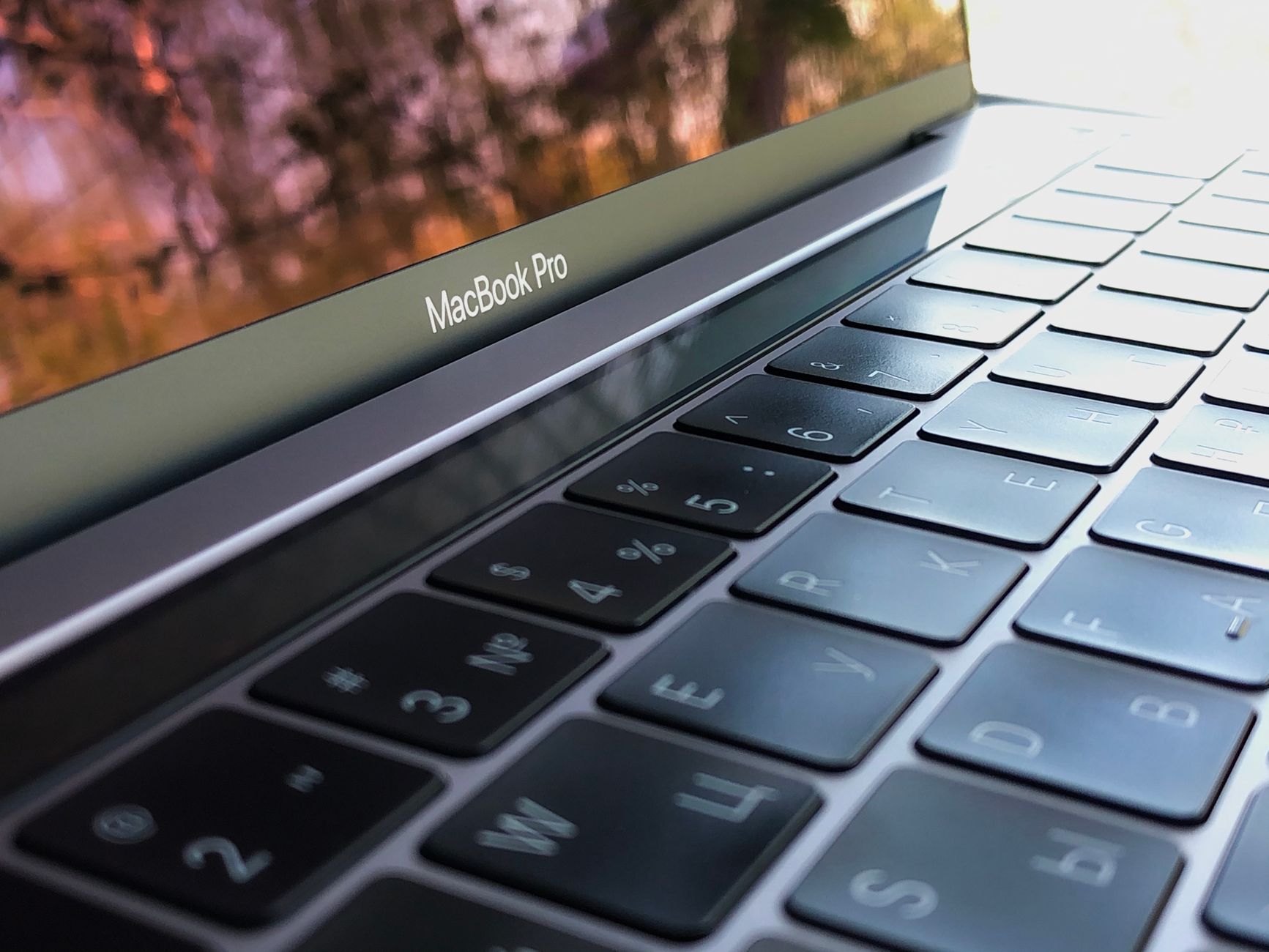
The transition from a 14.1-inch mini-LED display on the MacBook Pro to the Neo’s 13-inch LCD screen was immediately apparent, with differences in size, brightness, and contrast. The Neo also featured a downgrade in RAM, offering 8GB compared to the Pro’s 16GB. Connectivity was also reduced, with the Neo lacking a MagSafe charging port and the Pro’s additional USB-C, HDMI, and SD card slots found on the right side. However, the 512GB storage configuration of the tested Neo, which also included Touch ID, proved sufficient, unlike the 256GB model that omits the fingerprint sensor. A significant omission noted was the lack of a backlit keyboard on the Neo.
Despite these hardware differences, the setup process was straightforward, aided by an existing Time Machine backup from the MacBook Pro. Working within macOS provided a familiar environment. Workflow adjustments were necessary, particularly concerning performance expectations.
Performance and Limitations
The writer, who creates videos for Instagram and YouTube and works as a freelance writer, used the MacBook Neo for tasks including editing vlogs in Adobe Premiere Pro, web browsing in Safari and Chrome, writing in Notion, and managing files with Google Workspace tools and Finder. During a demanding session involving importing numerous 4K video clips into Premiere Pro with many browser tabs open, the Neo experienced a single instance of unresponsiveness, commonly known as the “beach ball.” This was in contrast to the MacBook Pro, which had handled similar or more intensive tasks without performance drops.
While video exports took longer on the Neo, the machine proved to be a capable substitute. After the initial performance hiccup, the writer experienced no further slowdowns or crashes. The Neo’s battery life was deemed adequate for extended work sessions at a coffee shop, though shorter than that of the MacBook Air and Pro.
Charging Speed and Port Concerns
A notable drawback was the Neo’s charging speed. Even with a 45-watt charger, a full charge required at least an hour and a half. The included 20-watt adapter, as noted in a separate review, takes approximately 2.5 hours for a full charge. The writer found it manageable to work with only two USB-C ports, dedicating one to charging and the other to an external SSD for editing. However, they expressed a desire for Apple to place ports on opposite sides of the device in future iterations, rather than having both on the same side.
Overall Impression and Future Use
The week with the MacBook Neo left a positive impression. While acknowledging it cannot match the performance or likely lifespan of a MacBook Pro, the Neo successfully handled all necessary tasks. The writer views it as a well-balanced option for first-time computer buyers or those starting passion projects and handling basic computing needs, especially considering its significantly lower cost compared to a MacBook Pro. The tested MacBook Neo will be passed on to a partner transitioning from a Windows PC, who plans to use it for professional design software like Illustrator and Photoshop.
Ultimately, the writer will return to their MacBook Pro for its superior performance, larger screen, and backlit keys, which are crucial for their creative workflow. The MacBook Neo is considered a solid backup but not a daily driver for their needs.

Norman Pearlstine is the Executive Editor and Co-Founder at News Raise. With over two decades of experience across financial journalism, corporate governance, and market analysis, Norman leads the editorial direction and ensures strict adherence to journalistic accuracy and ethics.